

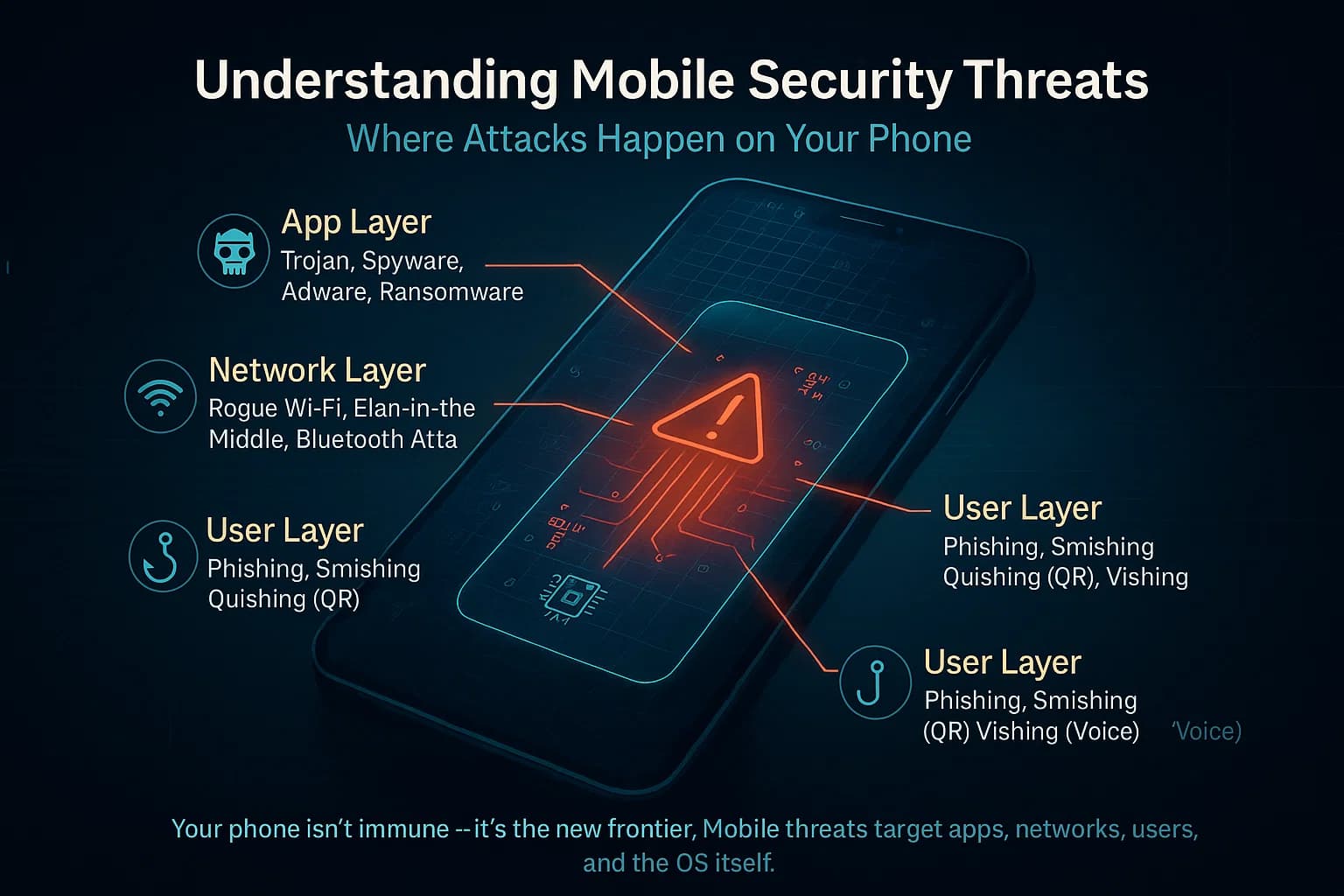
Smartphones have become an essential part of daily life, storing everything from personal photos and messages to banking details and business data. While these devices offer convenience and connectivity, they also expose users to increasing cybersecurity threats that many people overlook. Most users assume their phone is safe simply because it has a lock screen or antivirus app, but modern cyberattacks are far more advanced. From hidden malware to phishing attacks and unsecured Wi-Fi networks, hackers constantly look for weak points. Understanding how safe your smartphone really is has become more important than ever, especially as cybercrime continues to grow globally.
Hidden Malware Threats in Mobile Devices
Malicious Apps in Third-Party Stores
Many smartphone users unknowingly install apps from untrusted sources, thinking they are harmless or useful. These apps often contain hidden malware designed to steal data, track activity, or display unwanted ads. Even apps that appear normal can operate in the background and compromise your privacy without detection. This makes it essential to download apps only from official stores and carefully review permissions before installation.
Background Data Theft Risks
Some malicious apps continuously collect sensitive information such as contacts, messages, and location data. Users are often unaware because these processes run silently in the background. Over time, this stolen data can be sold or used for identity theft and financial fraud. Monitoring app permissions and limiting unnecessary access helps reduce this risk significantly.
Outdated Software Vulnerabilities
Using an outdated operating system is one of the most common cybersecurity risks on smartphones. Older software versions often contain security loopholes that hackers can exploit easily. Regular updates are not just about new features—they include critical security patches that protect your device from evolving threats.
Phishing Attacks and Social Engineering Risks
Fake Messages and Scam Links
Phishing attacks often come in the form of SMS messages, emails, or social media links that appear legitimate. These messages trick users into clicking harmful links or sharing personal information. Once clicked, attackers can gain access to sensitive accounts such as banking or email.
Fake Login Pages
Cybercriminals frequently create cloned websites that look identical to real login pages. When users enter their credentials, the information is immediately captured by hackers. These attacks are highly effective because they rely on human error rather than technical weaknesses.
Manipulated Trust Tactics
Hackers often use psychological manipulation to create urgency or fear, encouraging users to act quickly without thinking. Messages claiming “urgent account verification” or “suspicious activity detected” are common examples. Recognizing these tactics is essential for preventing data compromise.
Network and Data Security Risks
Unsecured Public Wi-Fi Networks
Public Wi-Fi connections in cafes, airports, and malls are often not encrypted, making them easy targets for hackers. When users connect to these networks, attackers can intercept data such as passwords and browsing activity. Avoiding sensitive transactions on public Wi-Fi is a key cybersecurity practice.
Data Interception Techniques
Cybercriminals use advanced tools to intercept data transmitted between smartphones and websites. Without proper encryption, personal information can be stolen during online banking, shopping, or messaging. Secure connections (HTTPS) and VPNs can reduce this risk.
Weak Password Protection Practices
Many users still rely on simple or repeated passwords across multiple accounts. This makes it easier for hackers to access multiple services if one password is compromised. Strong, unique passwords combined with two-factor authentication greatly improve smartphone security.
Device-Level Security Weak Points
Lack of Screen Lock Protection
Some users still do not use strong screen locks such as PINs, patterns, or biometric authentication. This makes it easier for unauthorized access if the phone is lost or stolen. Basic lock protection is the first layer of smartphone cybersecurity.
Poor App Permission Management
Many apps request access to camera, microphone, contacts, and storage without a real need. Granting unnecessary permissions increases the risk of data exposure. Regularly reviewing and restricting permissions helps maintain better control over personal information.
Ignoring Security Settings
Smartphones come with built-in security features that are often ignored by users. Settings such as device encryption, app verification, and security scanning provide additional protection. Activating these features significantly reduces vulnerability to cyber threats.
FAQs
1. How can I protect my smartphone from hackers?
Use strong passwords, install trusted apps only, and keep your software updated regularly.
2. Are public Wi-Fi networks safe for smartphones?
No, public Wi-Fi can expose your data to hackers unless you use a secure VPN.
3. What is the biggest cybersecurity risk for smartphones?
Phishing attacks and malicious apps are among the most common risks.
4. Do antivirus apps really protect smartphones?
They help, but they cannot replace safe browsing habits and system updates.
5. How often should I update my phone?
You should install updates as soon as they are available to ensure maximum security.
Conclusion
Smartphones are powerful tools, but they also carry significant cybersecurity risks that many users ignore. From hidden malware and phishing attacks to weak passwords and unsecured networks, threats can come from multiple directions. Staying safe requires awareness, regular updates, and smart usage habits. By understanding these risks and applying basic security practices, you can greatly reduce the chances of data theft or cyberattacks. Your smartphone security is ultimately in your hands, and taking small precautions today can protect your personal information in the long run.
