

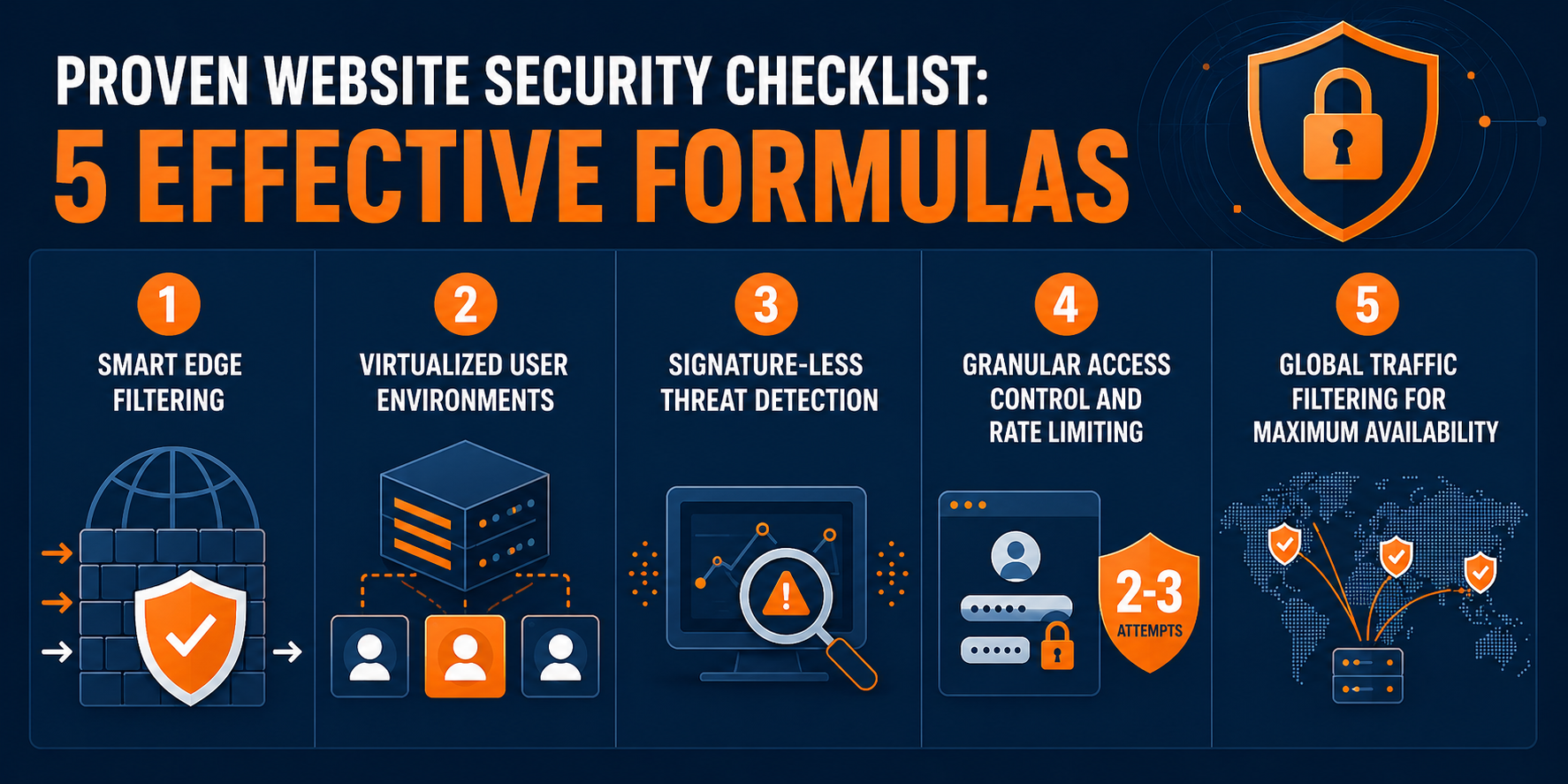
Online safety has become more important than ever as cyber threats continue to grow in 2026. From phishing attacks and data breaches to identity theft and malware infections, users face risks every time they go online. This cybersecurity checklist is designed to help you protect your personal information, secure your devices, and browse the internet safely with confidence. Whether you are a beginner or a regular internet user, following these essential cybersecurity practices can significantly reduce your risk and improve your digital safety.
Strengthening Your Password Security
Use Strong and Unique Passwords
Creating strong and unique passwords is the foundation of cybersecurity. Weak passwords are one of the easiest ways hackers gain access to accounts. A strong password should include a combination of uppercase letters, lowercase letters, numbers, and symbols. Avoid using personal information like names or birthdates, and never reuse the same password across multiple accounts. Each account should have its own unique password to reduce the impact if one account gets compromised.
Enable Password Managers
Password managers help you store and generate secure passwords without needing to remember them all. These tools encrypt your login credentials and autofill them securely when needed. Using a password manager not only improves security but also saves time and reduces the temptation to reuse weak passwords. In 2026, password managers are considered an essential tool for safe online browsing.
Activate Multi-Factor Authentication
Multi-factor authentication (MFA) adds an extra layer of protection by requiring a second verification step, such as a code sent to your phone or email. Even if someone steals your password, they cannot access your account without this second factor. Enabling MFA on email, banking, and social media accounts is one of the most effective cybersecurity practices available today.
Protecting Your Devices and Software
Keep Software and Systems Updated
Regular updates are critical for maintaining device security. Software updates often include patches that fix known vulnerabilities that hackers can exploit. Whether it is your operating system, browser, or mobile apps, keeping everything updated ensures you are protected against the latest threats. Delaying updates increases your risk of cyberattacks.
Install Reliable Antivirus Protection
Antivirus software helps detect and remove malware, spyware, and other harmful programs before they can damage your system. A trusted antivirus solution provides real-time protection while you browse, download files, or open emails. It acts as a security shield, preventing malicious activity and keeping your data safe from cyber threats.
Use a Secure Firewall System
A firewall monitors incoming and outgoing network traffic and blocks unauthorized access. It acts as a barrier between your device and potential cyber threats. Most modern devices come with built-in firewalls, but ensuring it is active and properly configured adds an important layer of defense against hackers and malicious networks.
Safe Browsing and Online Behavior Practices
Avoid Suspicious Links and Emails
Phishing attacks often trick users into clicking harmful links or downloading infected attachments. These emails may look legitimate but are designed to steal sensitive information. Always verify the sender and avoid clicking on unknown links. Safe browsing habits are essential to protect yourself from online scams and identity theft.
Use Secure HTTPS Websites Only
When browsing websites, always check for HTTPS in the URL. This indicates that the website uses encryption to protect your data. Avoid entering personal or financial information on websites that do not have secure connections. Secure browsing ensures that your data remains private and protected from interception.
Limit Personal Information Sharing Online
Oversharing personal details on social media or public platforms can make you vulnerable to cybercriminals. Information such as your location, phone number, or daily routine can be misused. Being mindful of what you share online is an important part of maintaining your cybersecurity and protecting your digital identity.
Data Protection and Privacy Management
Back Up Important Data Regularly
Regular data backups ensure that your important files are safe in case of cyberattacks or system failures. You can use cloud storage or external drives to store backups securely. Having a backup plan minimizes data loss and helps you recover quickly from ransomware attacks or accidental deletions.
Control App Permissions Carefully
Many apps request access to your camera, microphone, or location, even when it is not necessary. Reviewing and limiting app permissions helps protect your privacy. Only grant access to features that are essential for the app’s functionality. This reduces the risk of unauthorized data collection.
Use Encrypted Connections and VPNs
A Virtual Private Network (VPN) encrypts your internet connection and hides your online activity from hackers and trackers. It is especially useful when using public Wi-Fi networks. Encryption ensures that your browsing data remains private and secure, even on unsecured networks.
FAQs
1. What is the most important cybersecurity practice in 2026?
Using strong passwords with multi-factor authentication is the most important step for online safety.
2. How can I protect myself from phishing attacks?
Avoid clicking unknown links and always verify email sources before responding.
3. Do I really need antivirus software?
Yes, antivirus software helps protect your device from malware and cyber threats.
4. Is using a VPN necessary for safe browsing?
A VPN is highly recommended, especially when using public Wi-Fi networks.
5. How often should I update my software?
You should install updates as soon as they are available for maximum security.
Conclusion
Cybersecurity in 2026 is not optional—it is essential for safe online browsing and digital protection. By following this ultimate cybersecurity checklist, you can significantly reduce your exposure to threats such as phishing, malware, and data breaches. Simple habits like using strong passwords, keeping software updated, and browsing safely can make a major difference in your online safety. Staying informed and proactive is the key to protecting your digital life in today’s connected world.
